After completing this unit, you will be able to:
1. What is the account based contract pricing in Salesforce CPQ?
2. How to setup account based contract pricing?
What is the account based contract pricing in Salesforce CPQ?
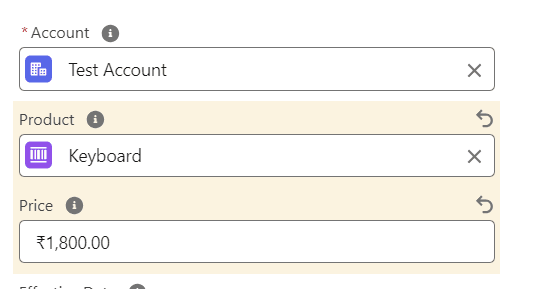
In Salesforce CPQ, account based contract pricing allows you to negotiate and apply custom prices for products and services on a per-account basis, instead of relying on the standard list prices or dynamic pricing rules. This is particularly useful for large deals or strategic accounts where you want to offer discounted rates or tailor pricing to specific customer needs.
How to setup account based contract pricing?
1. Click on App Launcher → Product → New and fill these fields:
Product Name Keyboard Product Code KEYBOARD Active True
and click Save.
2. Click on the Related tab, go to Price Book, and click on Add Standard Price.
3. In List Price, enter 2000 and click Save.
4. Now, we create a new account. To do this, click on App Launcher → Account → New, and in the Account Name field fill Test Account and click Save.