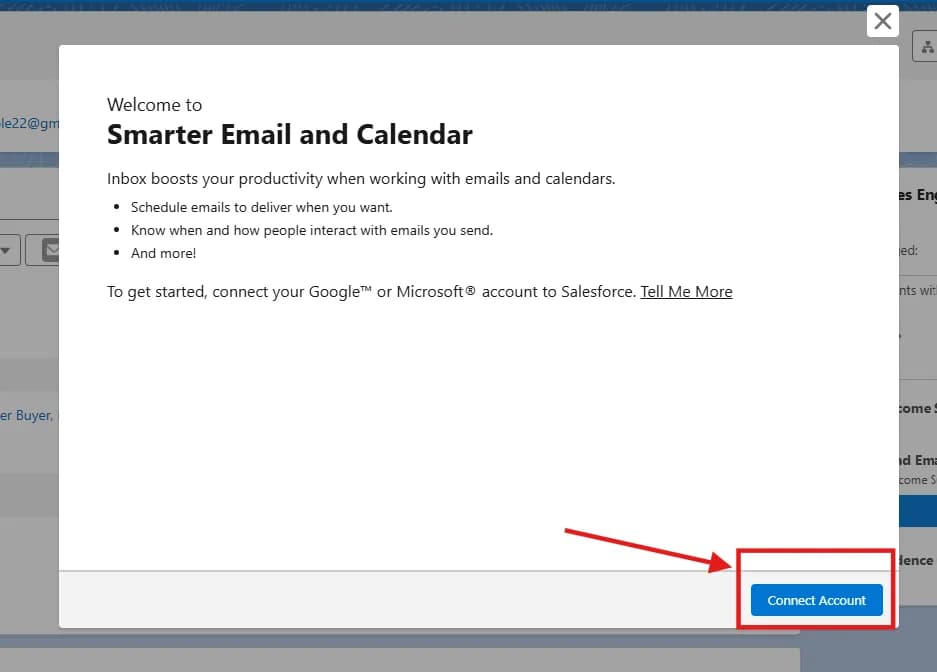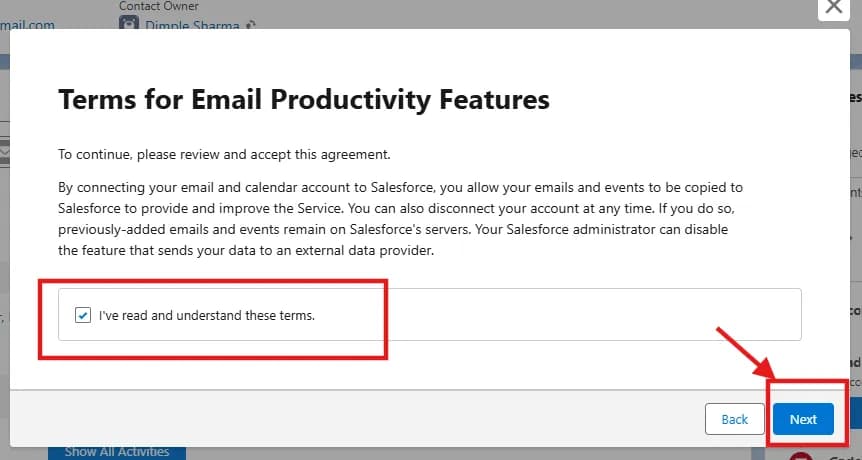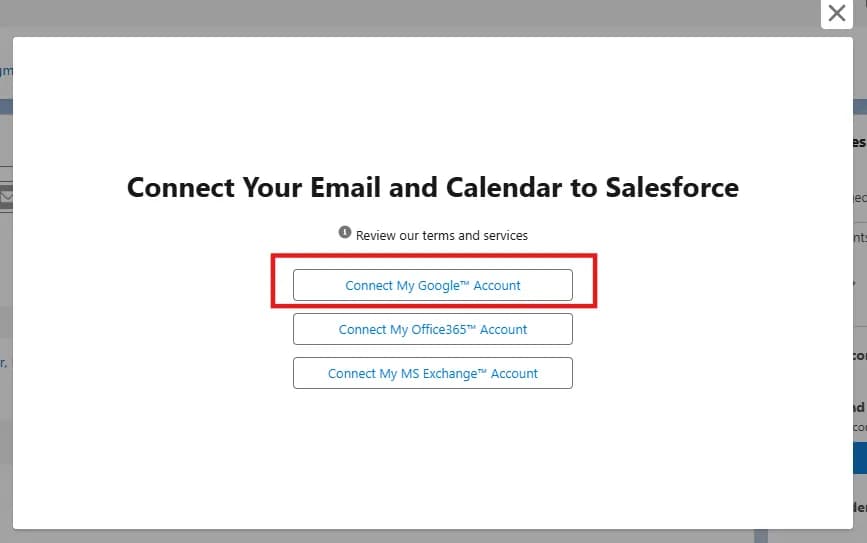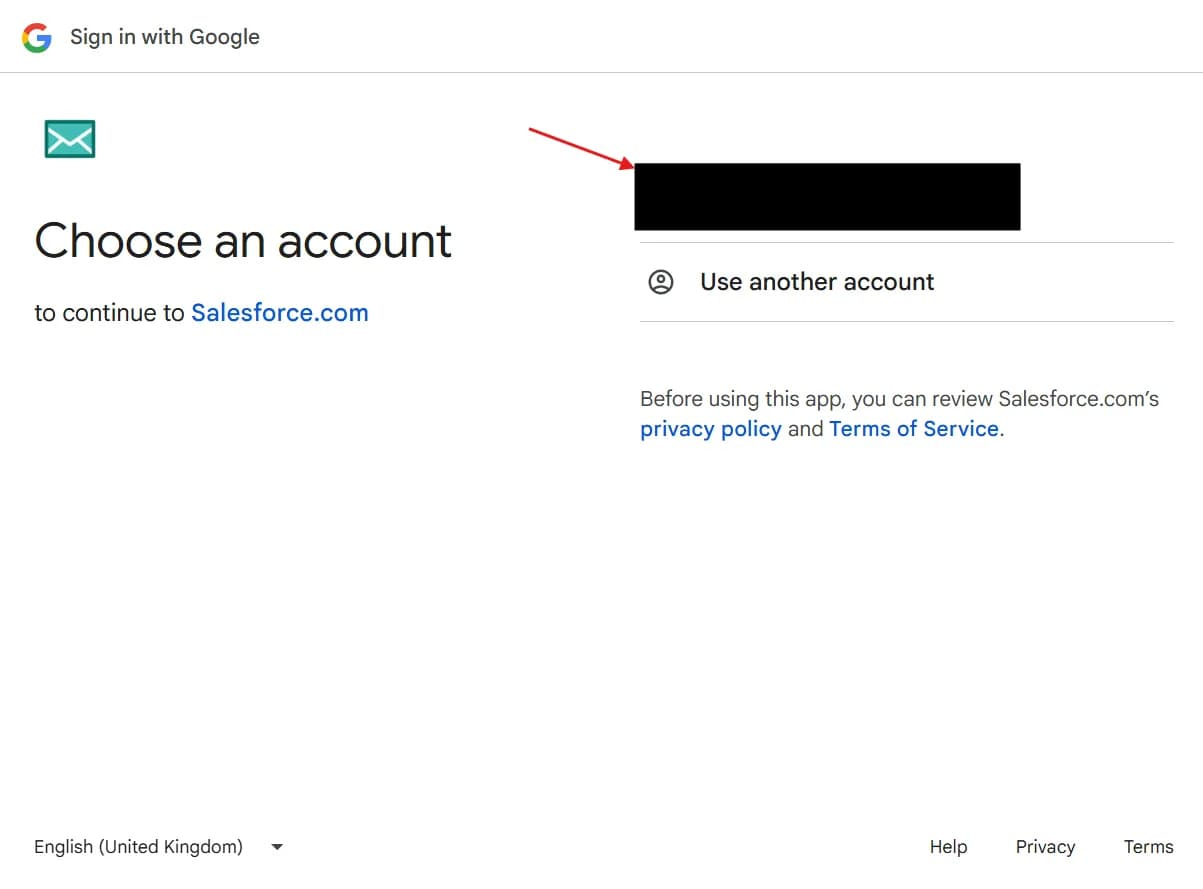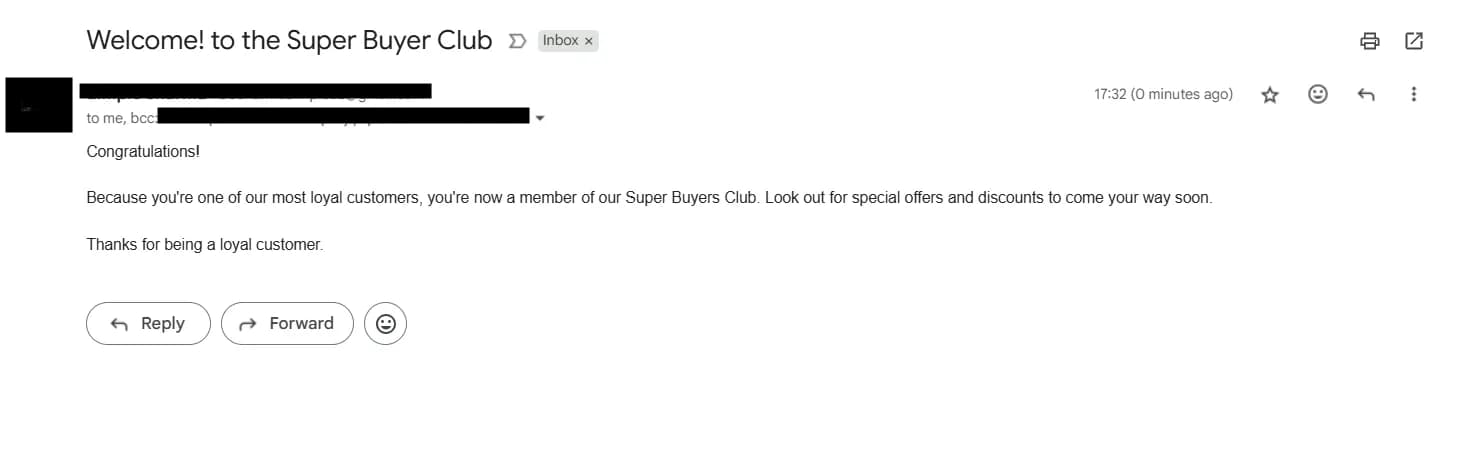
What is a Cadence in Salesforce?
In Salesforce, a cadence is a planned, scheduled sequence of sales activities designed to automate and streamline outreach efforts. It combines various sales engagement steps such as calls, emails, meetings, and LinkedIn messages into a repeatable workflow that helps sales teams follow consistent, efficient processes to engage prospects and customers. Cadences improve sales performance by guiding sales reps through the right next step, enhancing productivity and increasing the likelihood of closing deals.
If you follow this blog, create an organization with this link: Salesforce Cadences Trailhead Org
Follow these steps to enable the Cadence.
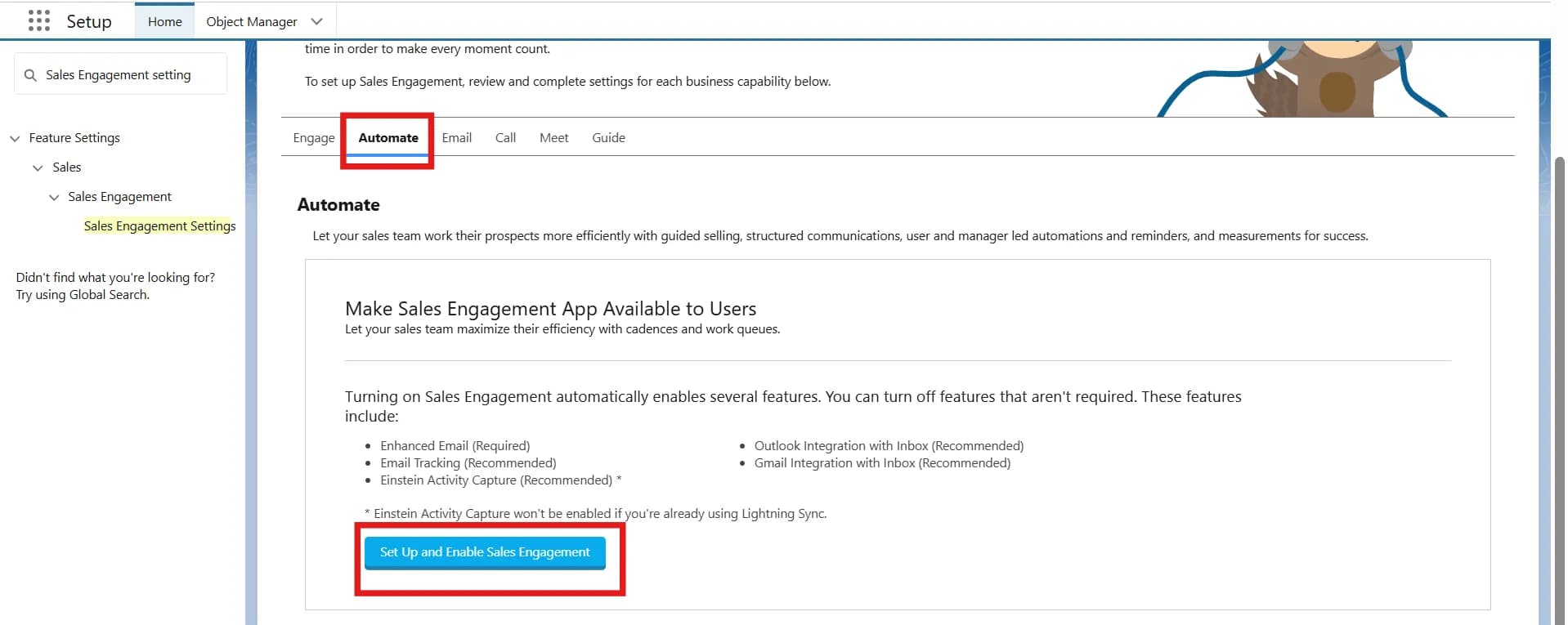
- Open setup, then search for the Sales Engagement setting in the quick find box and then click on that.
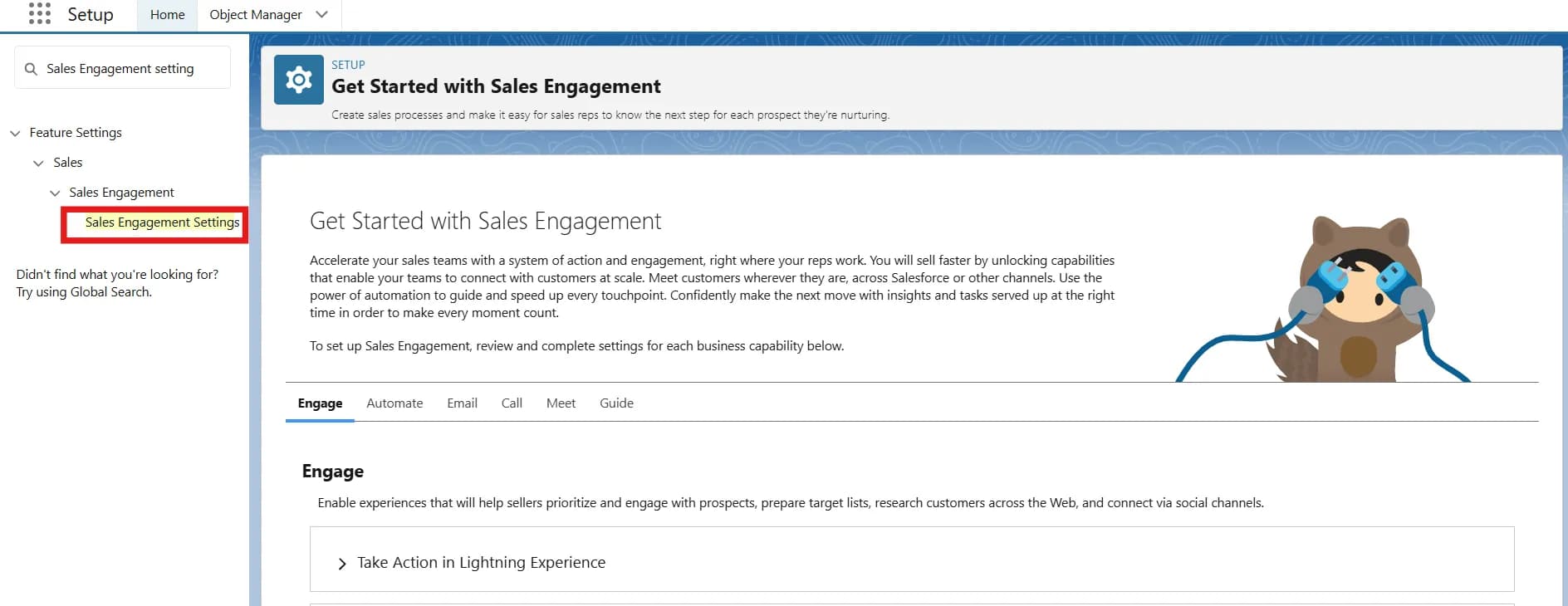
-
Click the Automate tab.
-
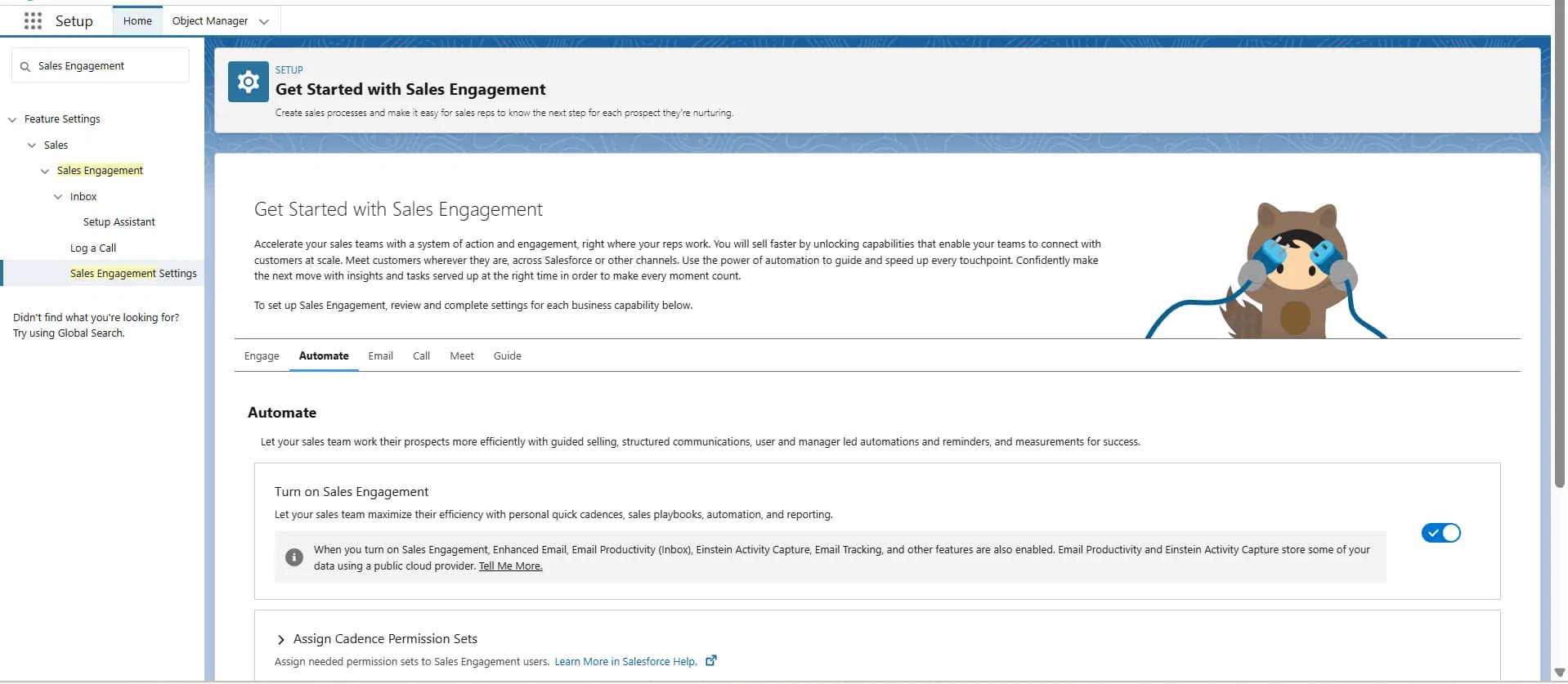
Click Set Up and Enable Sales Engagement, then refresh the page.
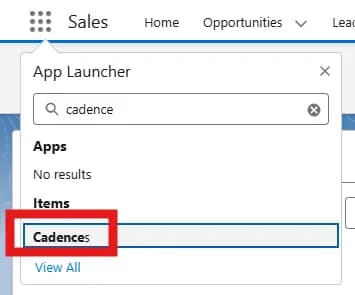
- Click on the app launcher, type Cadence and open it.
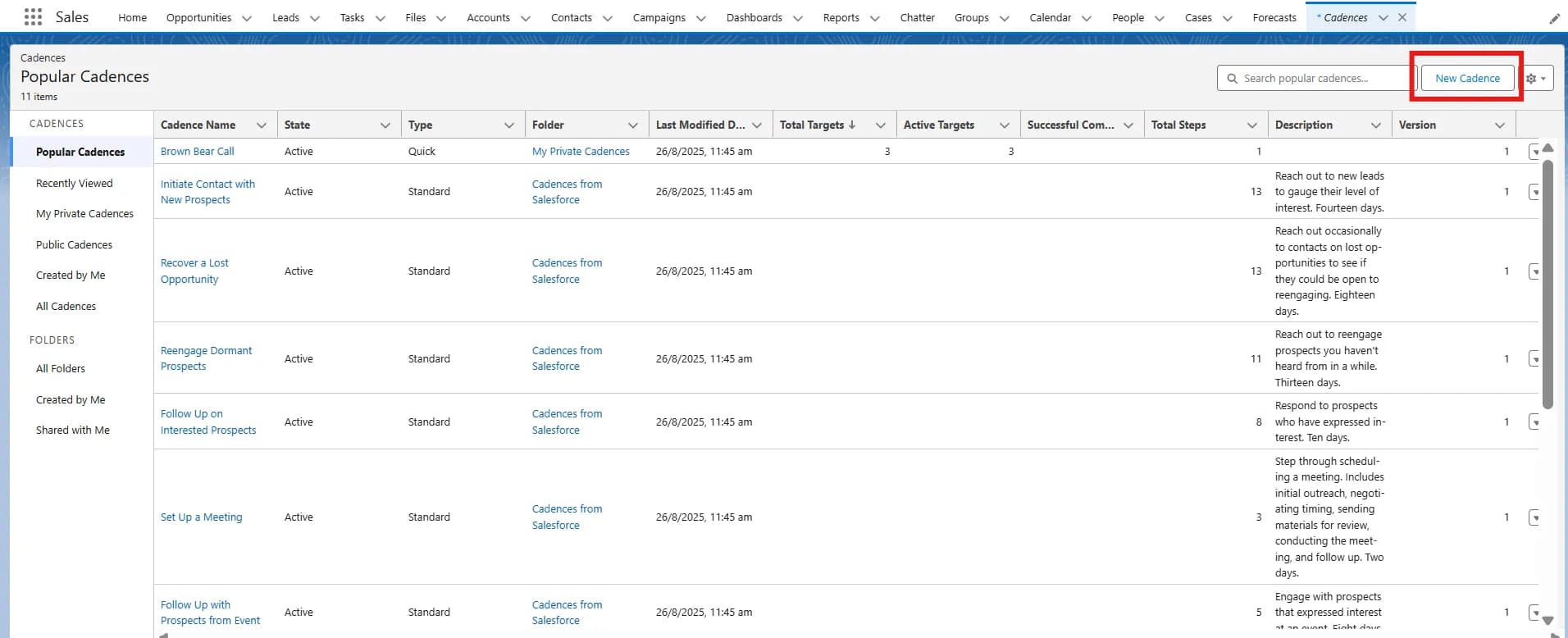
- Click on New Cadence.
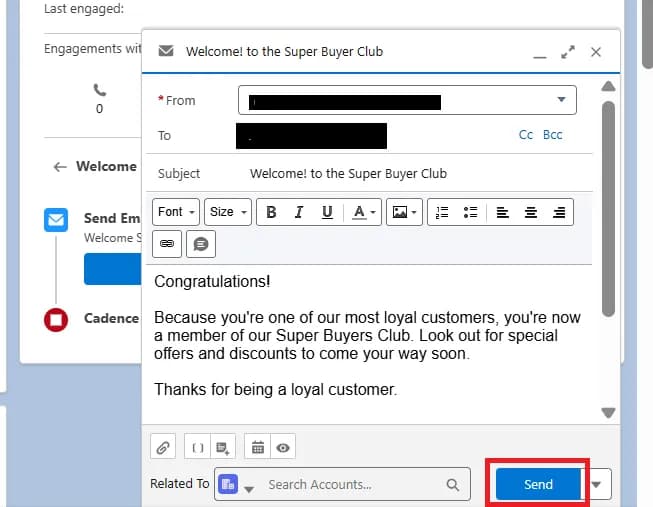
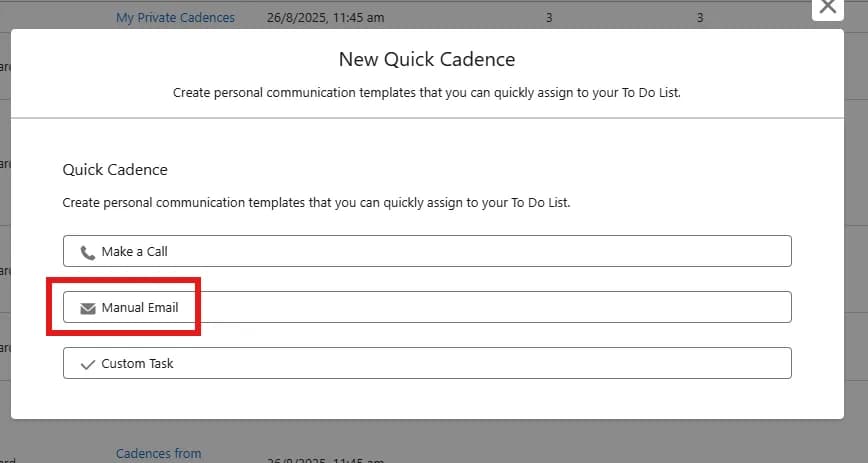
- Click on Manual Email, then fill in the details.
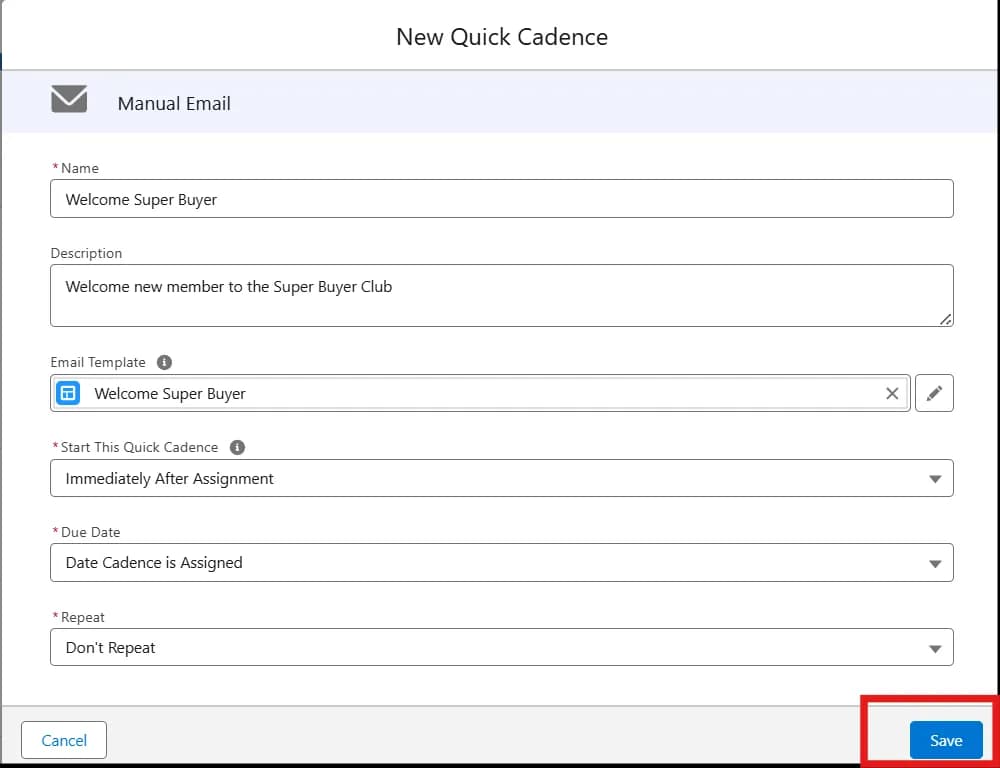
- For the Name, enter Welcome Super Buyer.
- For the Description, enter Welcome new member to the Super Buyer Club.
- For Email Template, enter welcome in the search box.
- Click the Welcome Super Buyer template.
- For Start This Quick Cadence, select Immediately After Assignment.
- For Due Date, select Date Cadence is Assigned.
- For Repeat, select Don’t Repeat.
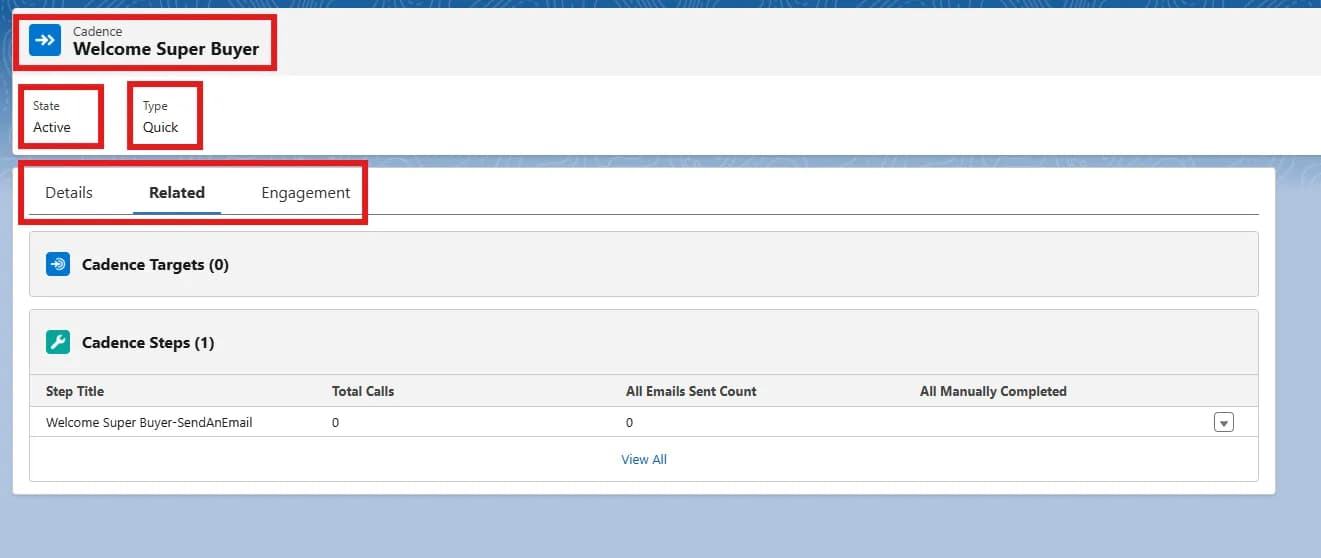
- Click Save.
-
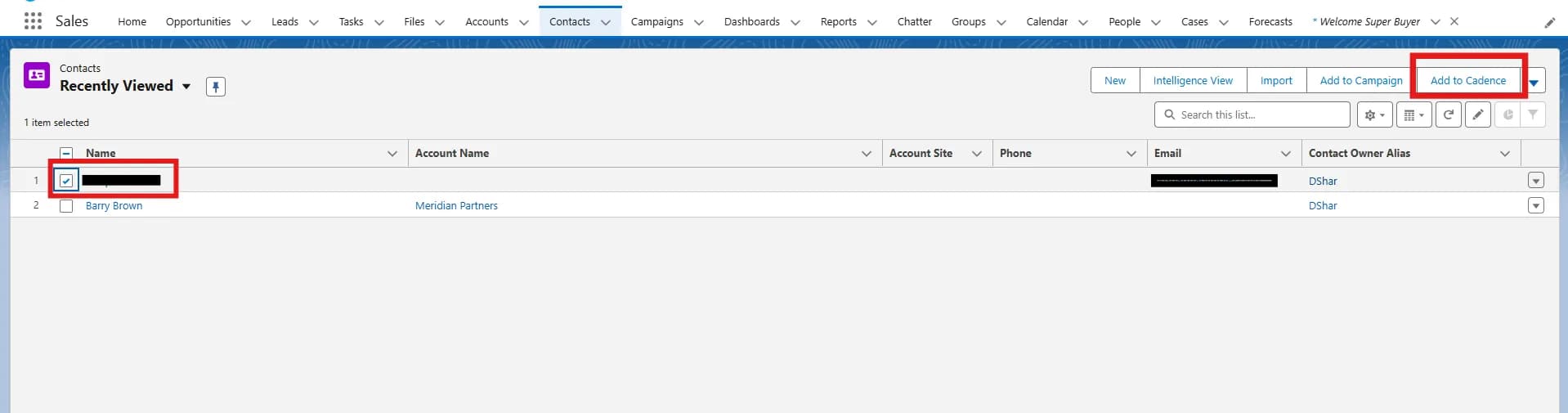
In the Contacts list view, select the contact to whom you want to send the email.
-
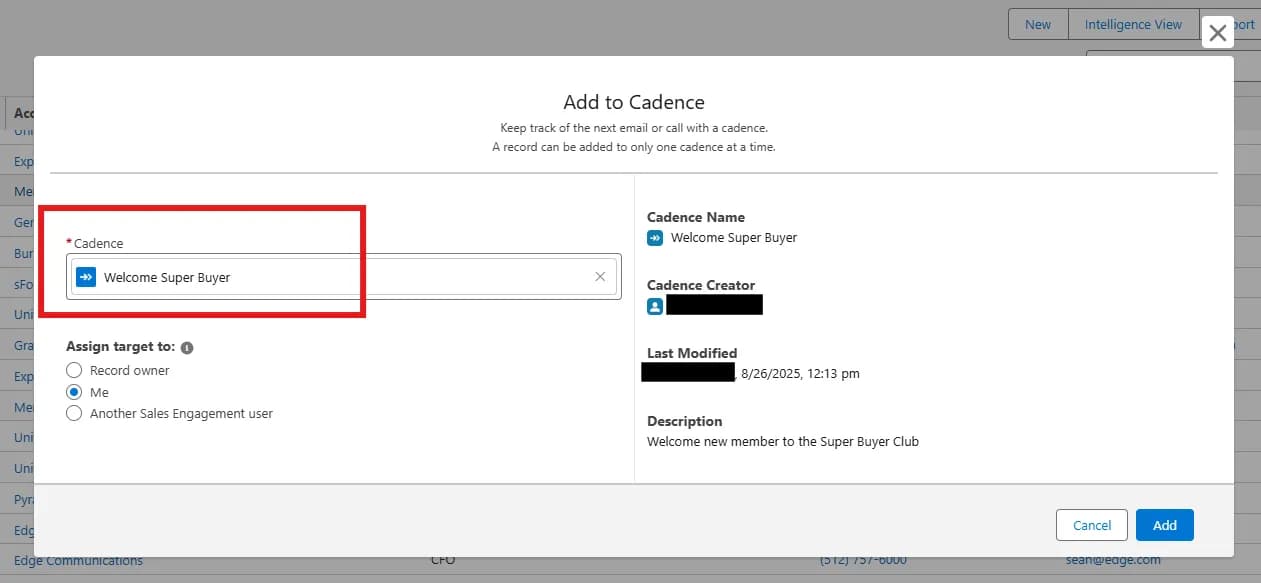
Select Add to Cadence.
- Select the Cadence.
-
Click on Add.
-
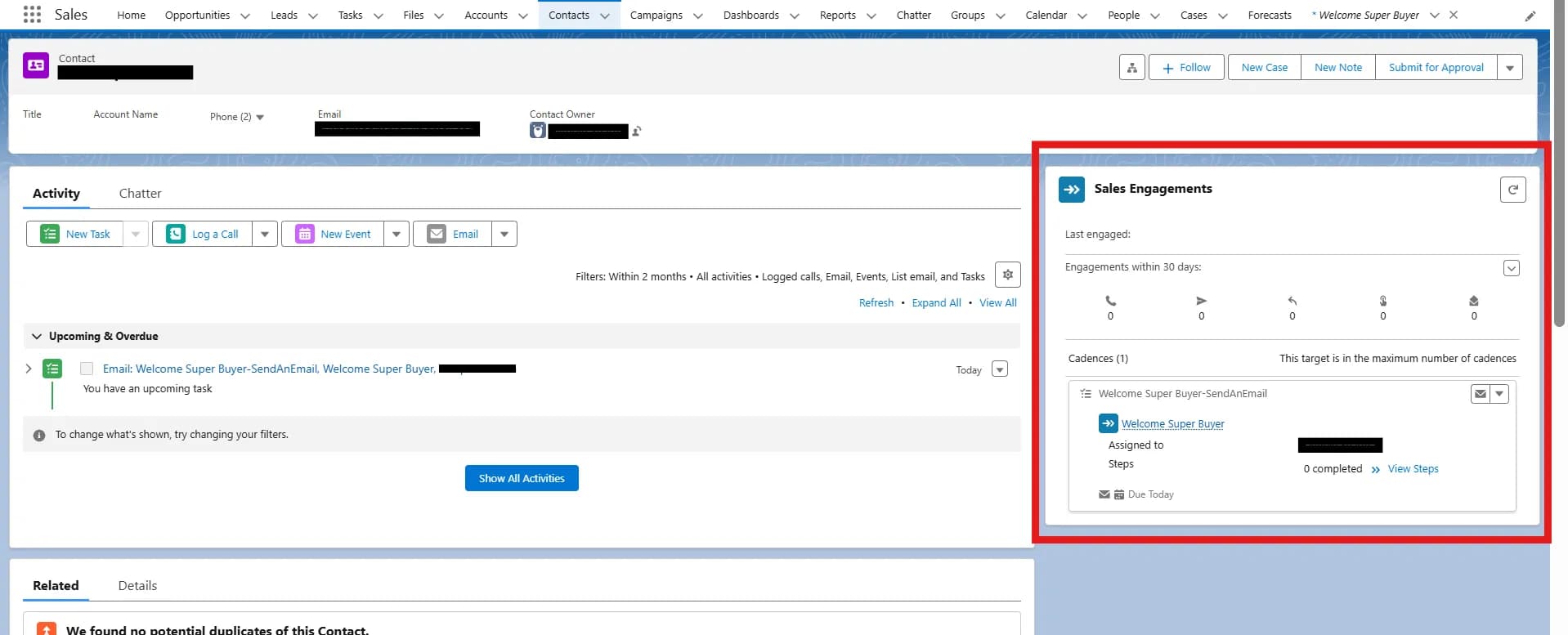
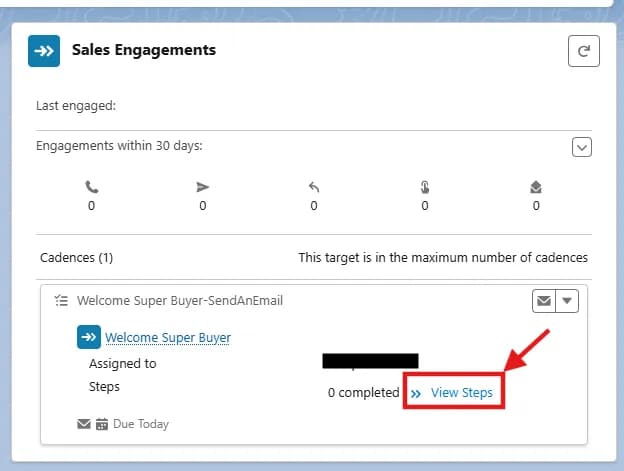
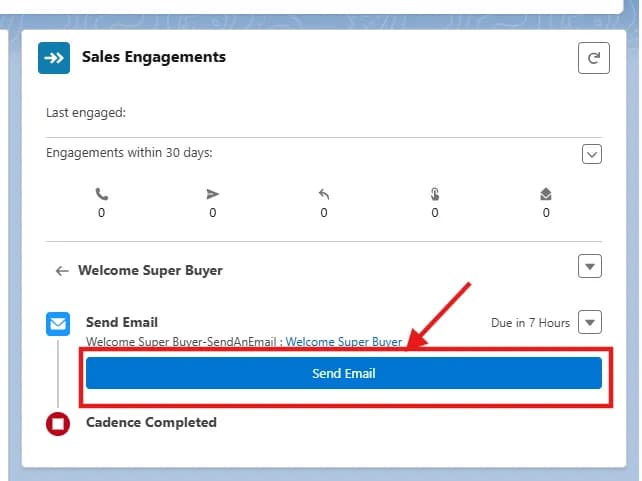
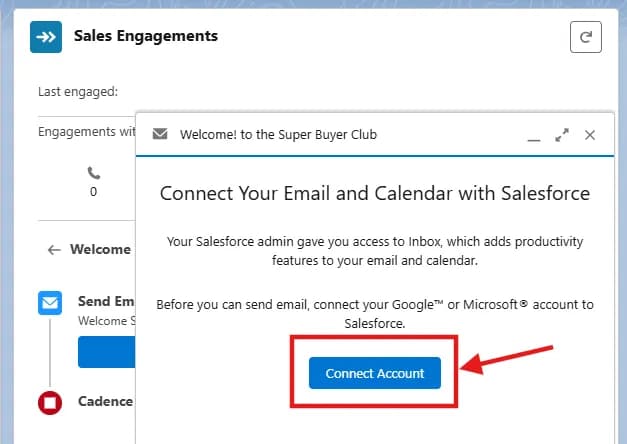
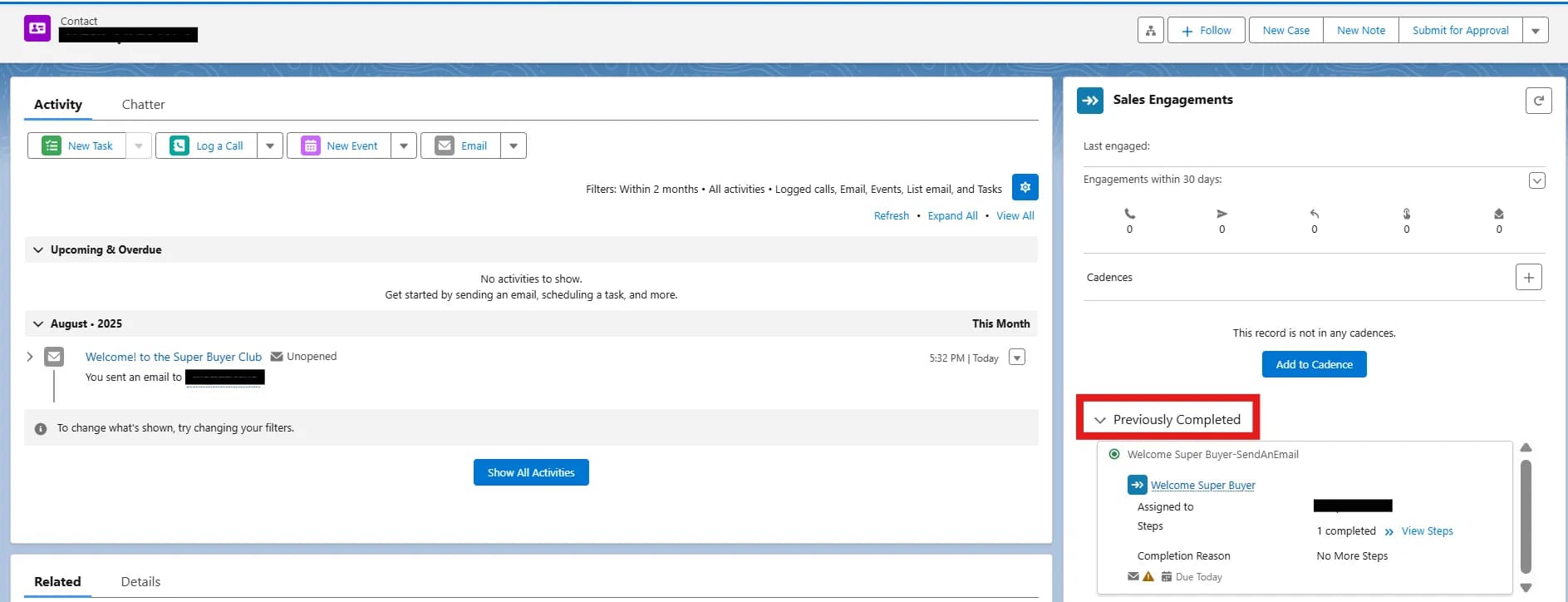
See the information of cadence on the contact record.