
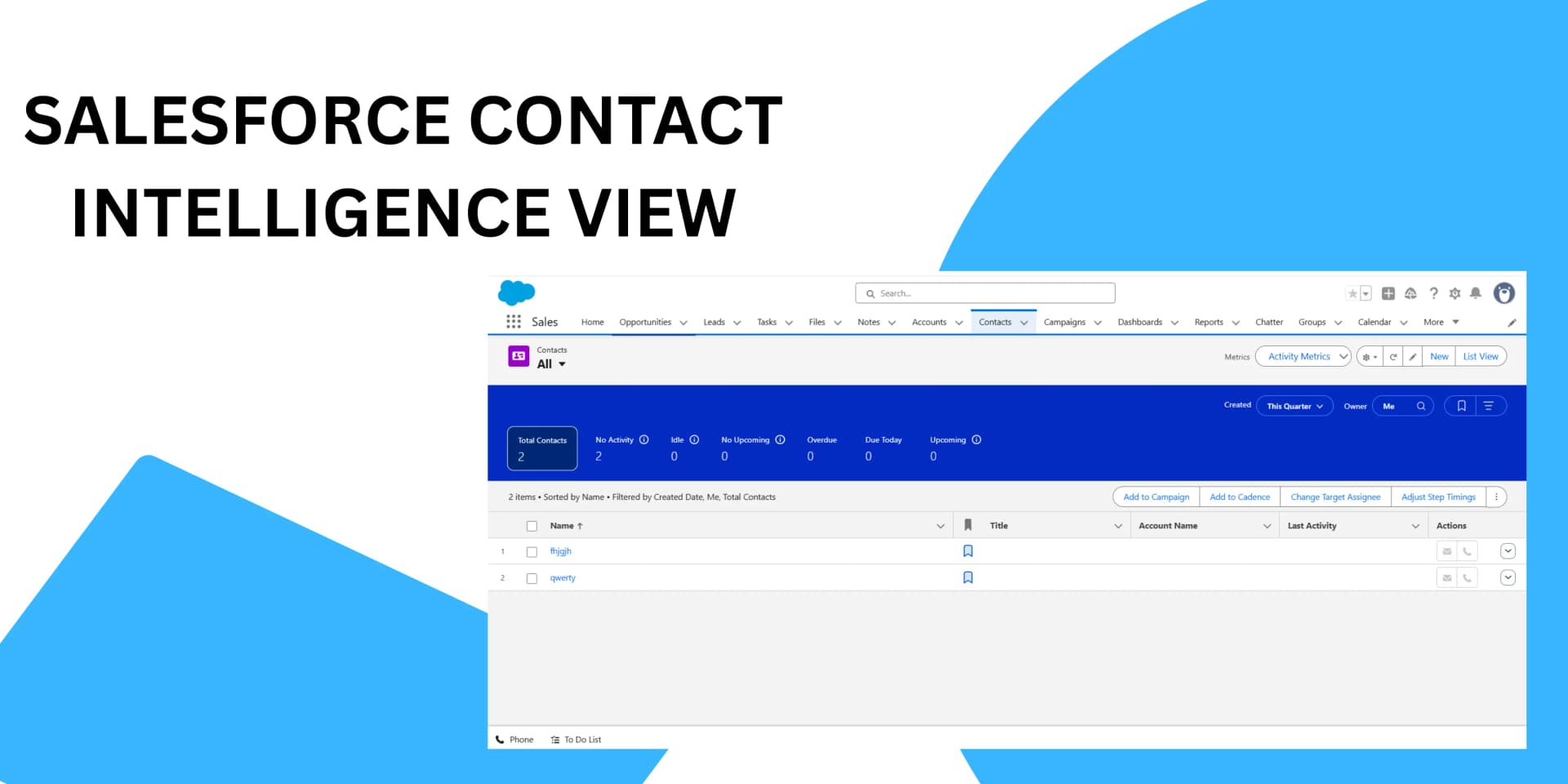
Salesforce has elevated contact management with the Contact Intelligence View, a powerful feature in Lightning Experience designed to help sales and support teams identify key contacts needing attention and act swiftly, all from a unified dashboard. Unlike the traditional list view, Intelligence View displays real-time contact activity metrics right on the Contact Home page, so users can filter, review, and reach out to prospects and customers seamlessly.
What Makes Contact Intelligence View Valuable
Contact Intelligence View aggregates vital engagement data for your contacts and surfaces actionable stats, such as:
- Total Contacts: Number meeting your filter criteria.
- No Activity: Contacts who haven’t had any recent touchpoints.
- Idle: Contacts with past engagement, but nothing in the last 30 days.
- Overdue & Due Today: Contacts who have outstanding tasks or engagements scheduled for today.
- Upcoming: Contacts with planned activities in the next 30 days.
The interface allows instant record updates, communication, and scheduling, no need to hop between screens. Users can send emails, log calls, and schedule meetings for contacts who need outreach, keeping the pipeline active and organized.
How to Set Up Contact Intelligence View
Admin setup is straightforward, and enables the feature for all Lightning Experience users in Professional, Enterprise, Performance, Unlimited, and Developer Editions.