
In this blog, you will learn how Utilization Management in Salesforce Health Cloud streamlines the process of approving and managing patient care requests efficiently. We’ll explore why this feature is critical for reducing delays, eliminating unnecessary costs, and ensuring patients receive the right care at the right time. You’ll also discover how Health Cloud replaces the old, manual approval process, filled with emails, forms, and long waiting periods, with a centralized digital system that connects providers and payers seamlessly. By the end, you’ll understand how to set up Utilization Management, how it works in practice, and why it’s a game-changer for modern healthcare organizations.
What is Utilization Management in Health Cloud?
- Utilization management helps healthcare providers and insurance companies work together to approve and manage patient care requests efficiently.
- It’s about making sure treatments and services are necessary and authorized before they happen.
- This avoids delays, ensures proper care, and helps reduce unnecessary costs.
The Old Way
- Healthcare providers (like doctors or hospitals) used to fill out forms or send emails to insurance companies to get approval.
- This process took a lot of time and often involved many back-and-forth communications.
- Sometimes requests got rejected because information was missing or incomplete.
The Problem
- It’s slow and confusing for everyone, the provider, insurance company, and the patient.
- Patients might wait a long time to get treatment because the insurance approval process is not smooth.
Why Is It Important?
- Traditionally, providers would fill out forms, send emails or faxes to insurance companies to get approvals.
- This process is slow, can be incomplete, and might require back-and-forth communication.
- Sometimes, insurance agents need more info and delay decisions.
- Patients and providers face frustration waiting for final approvals.
How Does a Health Cloud Make It Better?
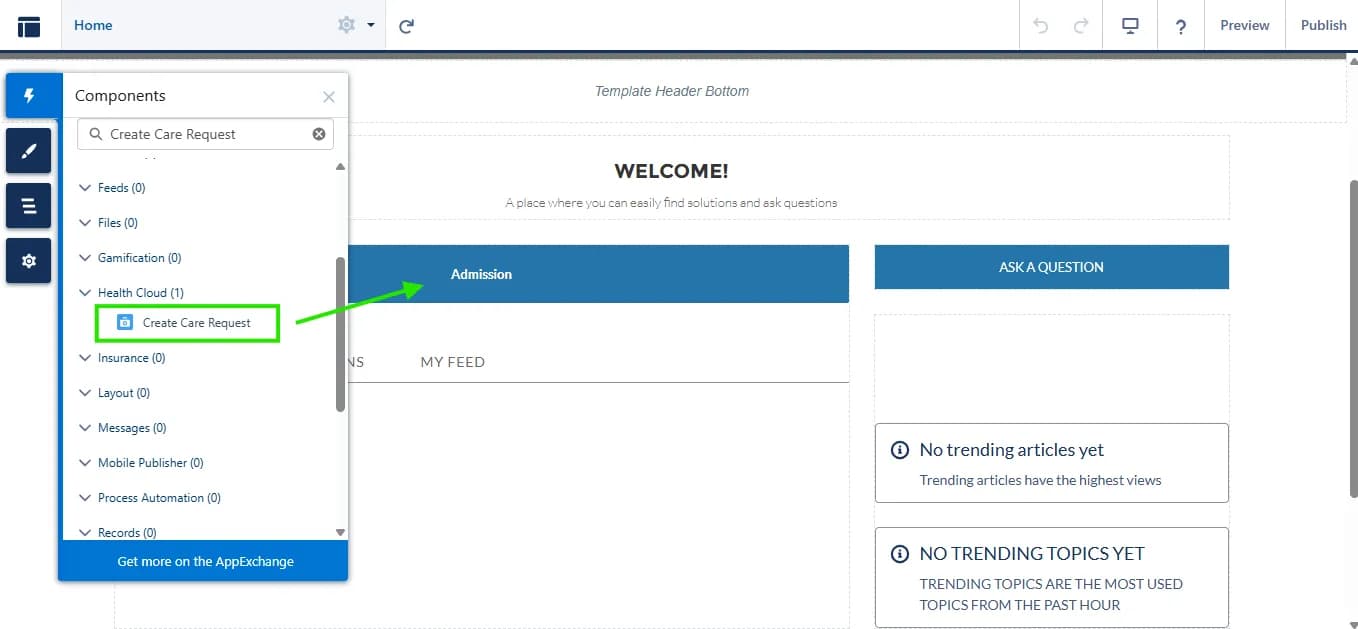
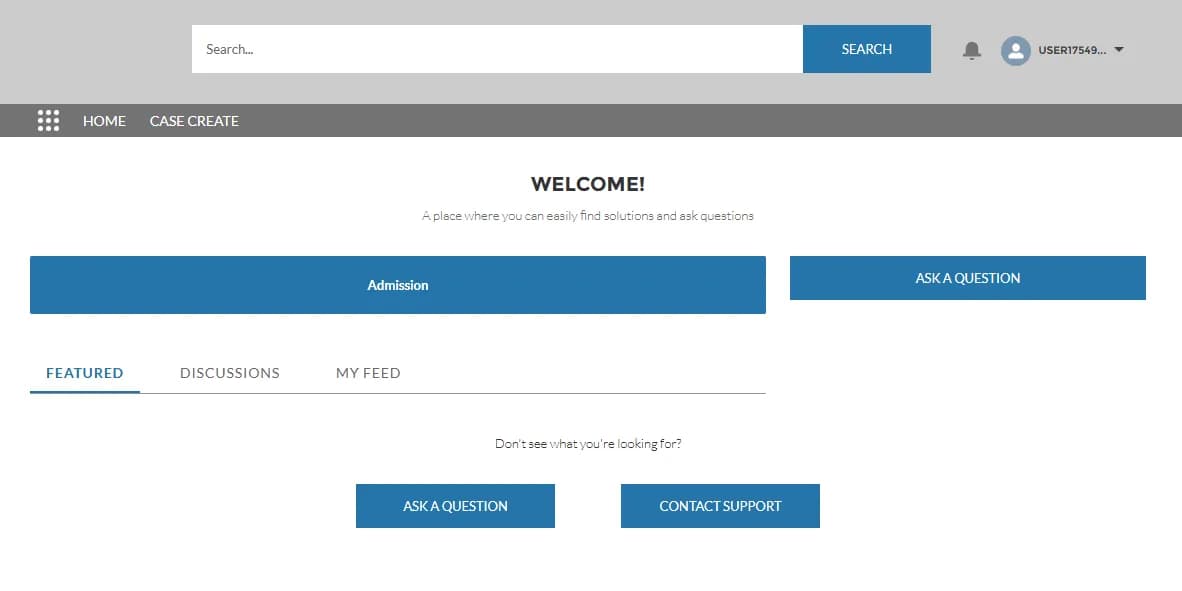
- Health Cloud lets providers submit pre-authorization requests directly via an online portal (Experience Cloud).
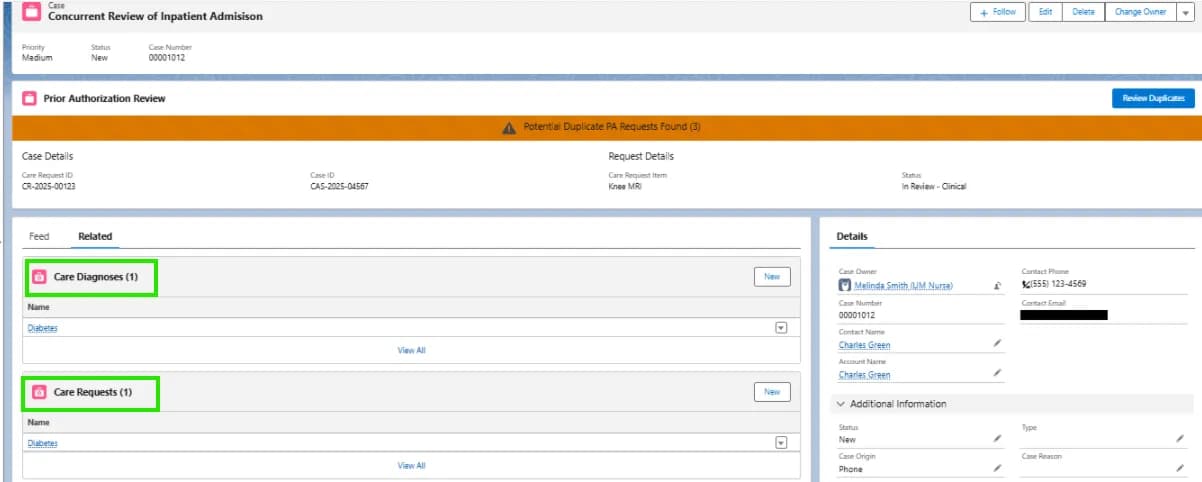
- Insurance agents view all requests inside Salesforce Health Cloud. They get complete information quickly.
- If more info is needed, they can escalate or request it within the same system.
- This centralizes the entire approval workflow, no more lost emails or hard-to-track paper forms.
How To Set Up Utilization Management?
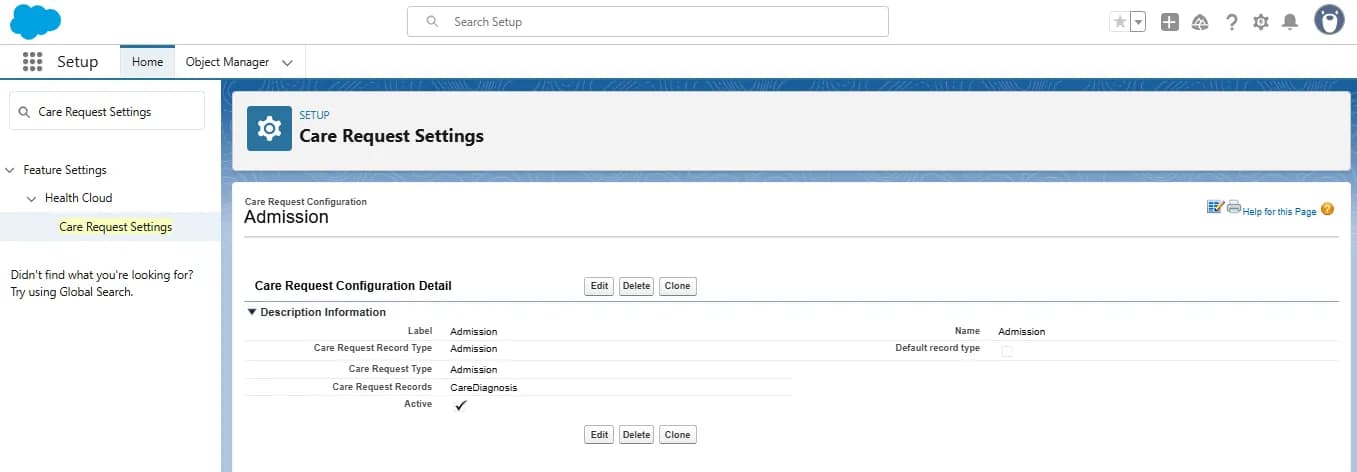
- Go to Setup in Salesforce.
- Search for Care Request Settings.
- Configure care request types such as:
- Admission requests
- Drug authorization requests
- Extensions or new item requests